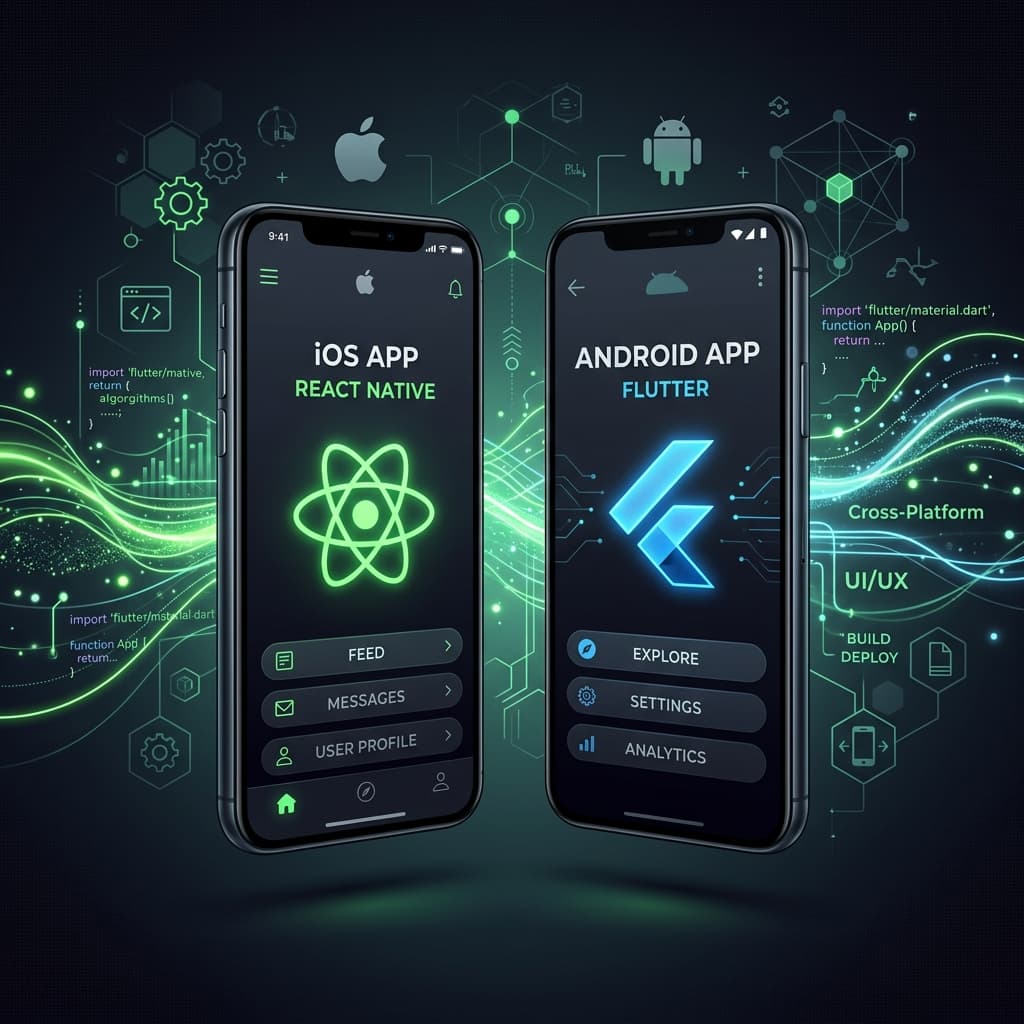
React Native vs. Flutter in 2026: The Startup Founder Guide
For a startup launching a mobile app in 2026, React Native (leveraging Expo) is the superior choice over Flutter if you want to reuse web developers, implement over-the-air (OTA) javascript updates to bypass App Store review queues, and easily integrate native device modules without coding Objective-C or Kotlin. Flutter remains preferred only if your product requires pixel-perfect, custom-designed 3D rendering loops or highly complex canvas graphics that bypass native OS controls.
As a founder, choosing the wrong mobile framework can double your development costs and cut your launch velocity in half. Engaging a specialist like a bhalli react native consultant helps you design a single-codebase mobile structure that deploys to both the iOS App Store and Google Play Store within weeks, utilizing the latest React architecture.
1. Developer Velocity and Ecosystem Maturity
In 2026, developer velocity is the ultimate competitive advantage. When comparing frameworks, we must look beyond core runtime performance and analyze the ecosystem of libraries, testing utilities, and pre-built integrations.
React Native & the Expo Revolution
React Native has matured significantly with the adoption of Expo as the default development framework. Expo eliminates the historically painful process of configuring Xcode and Android Studio files locally. With Expo EAS (Expo Application Services), builds are handled in the cloud, store credentials are automated, and OTA updates are deployed seamlessly with one CLI command.
Moreover, because React Native uses JavaScript/TypeScript and React, your existing web engineering team can transition to mobile development in days. They can share utility files, validation schemas (such as Zod), API request hooks, and state management files between your Next.js web application and React Native mobile application.
Flutter, on the other hand, relies on Dart. While Dart is an excellent, type-safe language, it is rarely used in web development. This means you will need to hire dedicated Flutter/Dart engineers, dividing your development team into isolated silos and increasing your development budget.
2. Technical Implementation: Device APIs & Push Notifications
In any production mobile application, integrating push notifications and online status sync is critical for user engagement. Let's look at how we implement these features in React Native.
Below is a production-ready Expo React Native hook that registers for push notifications, requests OS permissions, and handles incoming notification interactions:
// src/hooks/usePushNotifications.ts
import { useState, useEffect, useRef } from 'react';
import * as Notifications from 'expo-notifications';
import * as Device from 'expo-device';
import { Platform } from 'react-native';

Notifications.setNotificationHandler({
  handleNotification: async () => ({
    shouldShowAlert: true,
    shouldPlaySound: true,
    shouldSetBadge: false,
  }),
});

export function usePushNotifications() {
  const [expoPushToken, setExpoPushToken] = useState<string | null>(null);
  const [notification, setNotification] = useState<Notifications.Notification | null>(null);
  const notificationListener = useRef<any>();
  const responseListener = useRef<any>();

  useEffect(() => {
    registerForPushNotificationsAsync().then(token => setExpoPushToken(token));

    notificationListener.current = Notifications.addNotificationReceivedListener(notification => {
      setNotification(notification);
    });

    responseListener.current = Notifications.addNotificationResponseReceivedListener(response => {
      console.log('User interacted with notification:', response.notification.request.content.body);
    });

    return () => {
      if (notificationListener.current) {
        Notifications.removeNotificationSubscription(notificationListener.current);
      }
      if (responseListener.current) {
        Notifications.removeNotificationSubscription(responseListener.current);
      }
    };
  }, []);

  return { expoPushToken, notification };
}

async function registerForPushNotificationsAsync() {
  let token;
  if (Platform.OS === 'android') {
    await Notifications.setNotificationChannelAsync('default', {
      name: 'default',
      importance: Notifications.AndroidImportance.MAX,
      vibrationPattern: [0, 250, 250, 250],
      lightColor: '#00FF38',
    });
  }

  if (Device.isDevice) {
    const { status: existingStatus } = await Notifications.getPermissionsAsync();
    let finalStatus = existingStatus;
    if (existingStatus !== 'granted') {
      const { status } = await Notifications.requestPermissionsAsync();
      finalStatus = status;
    }
    if (finalStatus !== 'granted') {
      console.warn('Failed to get push token for push notifications!');
      return null;
    }
    token = (await Notifications.getExpoPushTokenAsync()).data;
  } else {
    console.log('Must use physical device for Push Notifications');
  }

  return token || null;
}
This hook abstracting all Expo notification APIs allows you to get unique device tokens for target notifications instantly.
Syncing Online State in Cross-Platform Mobile Apps
Mobile applications often operate in flaky network environments. To prevent UI lockups, we implement hooks to track connection state and queue database updates. Below is a React Native custom hook demonstrating online network state monitoring:
// src/hooks/useNetworkSync.ts
import { useState, useEffect } from 'react';
import NetInfo from '@react-native-community/netinfo';

export function useNetworkSync() {
  const [isConnected, setIsConnected] = useState<boolean | null>(true);
  const [pendingSyncQueue, setPendingSyncQueue] = useState<any[]>([]);

  useEffect(() => {
    // Subscribe to network connection state changes
    const unsubscribe = NetInfo.addEventListener(state => {
      setIsConnected(state.isConnected);

      if (state.isConnected && pendingSyncQueue.length > 0) {
        syncPendingData();
      }
    });

    return () => unsubscribe();
  }, [pendingSyncQueue]);

  const queueDataForSync = (data: any) => {
    if (!isConnected) {
      setPendingSyncQueue(prev => [...prev, data]);
      console.log('App offline: queuing data for sync:', data);
    } else {
      sendDataToBackend(data);
    }
  };

  const syncPendingData = async () => {
    console.log('App online: syncing pending updates...');
    for (const item of pendingSyncQueue) {
      await sendDataToBackend(item);
    }
    setPendingSyncQueue([]);
  };

  const sendDataToBackend = async (payload: any) => {
    try {
      await fetch('https://api.bhallisoft.com/v1/sync', {
        method: 'POST',
        headers: { 'Content-Type': 'application/json' },
        body: JSON.stringify(payload),
      });
    } catch (err) {
      console.error('Data sync failed:', err);
    }
  };

  return { isConnected, queueDataForSync, pendingCount: pendingSyncQueue.length };
}
This local synchronization pattern guarantees that your mobile app feels responsive and never crashes when users travel through tunnels or experience spotty cellular connections.
3. Structural Comparison: React Native vs. Flutter
To help you decide, let's analyze how these frameworks compare across essential engineering criteria in 2026:
| Evaluation Metric | React Native (Expo) | Flutter (Dart) |
|---|---|---|
| Language & Ecosystem | JavaScript / TypeScript (Huge, Web-Shared) | Dart (Niche, Isolated) |
| Hot Code Updates | Yes (Expo updates in 5 seconds via OTA) | No (Requires full App Store re-submission) |
| UI Components | Native Platform widgets (High OS consistency) | Canvas Drawn (Pixel-identical custom engine) |
| Startup Performance | Fast (New Architecture: TurboModules) | Ultra-Fast (Pre-compiled native binary) |
| Developer Availability | Abundant (Any React developer can build) | Limited (Harder to recruit, higher hourly rate) |
| Code Sharing | Share files with React/Next.js Web App | Limited sharing with web (separate canvas renderer) |
4. Real-World Trade-Offs and Budget Considerations
Choosing Flutter means committing to a separate codebase lifecycle. If your budget is limited, maintaining two distinct codebases (Next.js for web/desktop and Flutter for iOS/Android) will deplete your runway twice as fast.
The Lean Startup Strategy
We recommend building your web application in Next.js, sharing logic with a React Native Expo application, and utilizing Expo EAS for rapid deployments. This strategy allows a small team of two full-stack React developers to maintain both web, iOS, and Android platforms, maximizing your operational efficiency.
5. Contact BhalliSoft to Build Your App Today
At Bhalli Software Solutions, we design and implement lightning-fast cross-platform mobile apps. We leverage Expo to bypass App Store gatekeepers and deploy over-the-air updates, keeping your product responsive to user feedback.
Are you looking to build a secure, native mobile app that connects to your SaaS backend?
Book a Free Mobile App Strategy Session with BhalliSoft to discuss your mobile roadmap, plan your database syncing structure, or get an audit of your cross-platform code. Let's build a mobile app that converts.