Deterministic Tool Calling: Guardrails for Autonomous AI Agents in Production
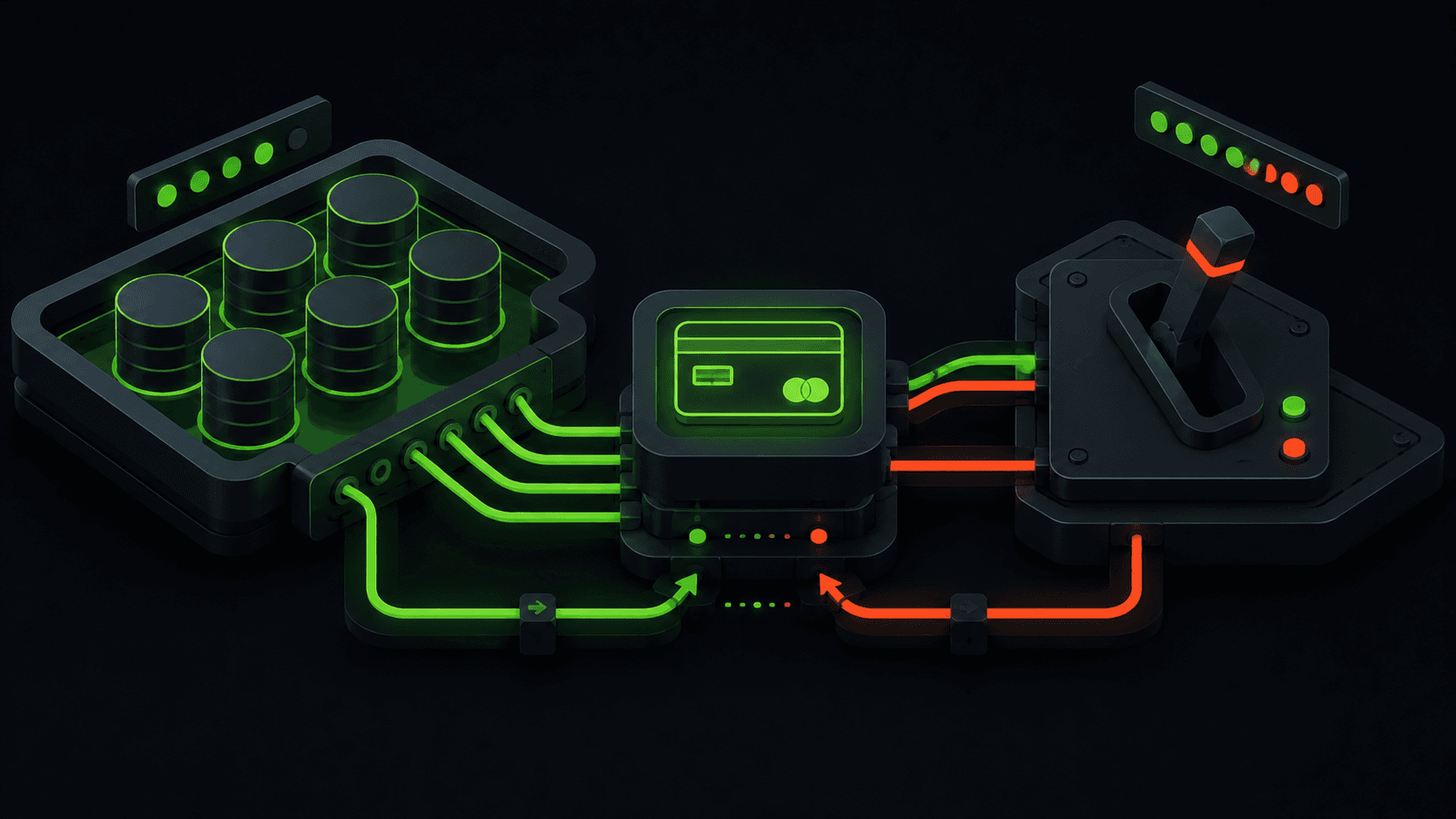
To implement AI agent tool calling guardrails in production, you must validate LLM-generated function arguments using runtime schema parsers (like Zod) before executing them, enforce strict token and cost budgets per agentic session, and run all file/code execution commands in isolated virtual sandboxes (like Docker or gRPC micro-runtimes). This structured approach prevents autonomous agents from generating malformed inputs, entering runaway execution loops, or compromising secure system files.
Deploying autonomous agents without boundaries is a recipe for disaster. From spiraling API token bills to database deletion vulnerabilities, unconstrained agent workflows pose a significant risk to your business. Partnering with a specialist like a bhalli agentic AI consultant helps you design secure, cost-controlled agent systems that execute tasks safely and reliably.
1. The Anatomy of Secure Function Calling
In an agentic system, "tool calling" (or function calling) is the mechanism that allows a Large Language Model to interact with the physical world. The model reads your request, decides which tool to run, and outputs a structured JSON object containing the target function name and arguments.
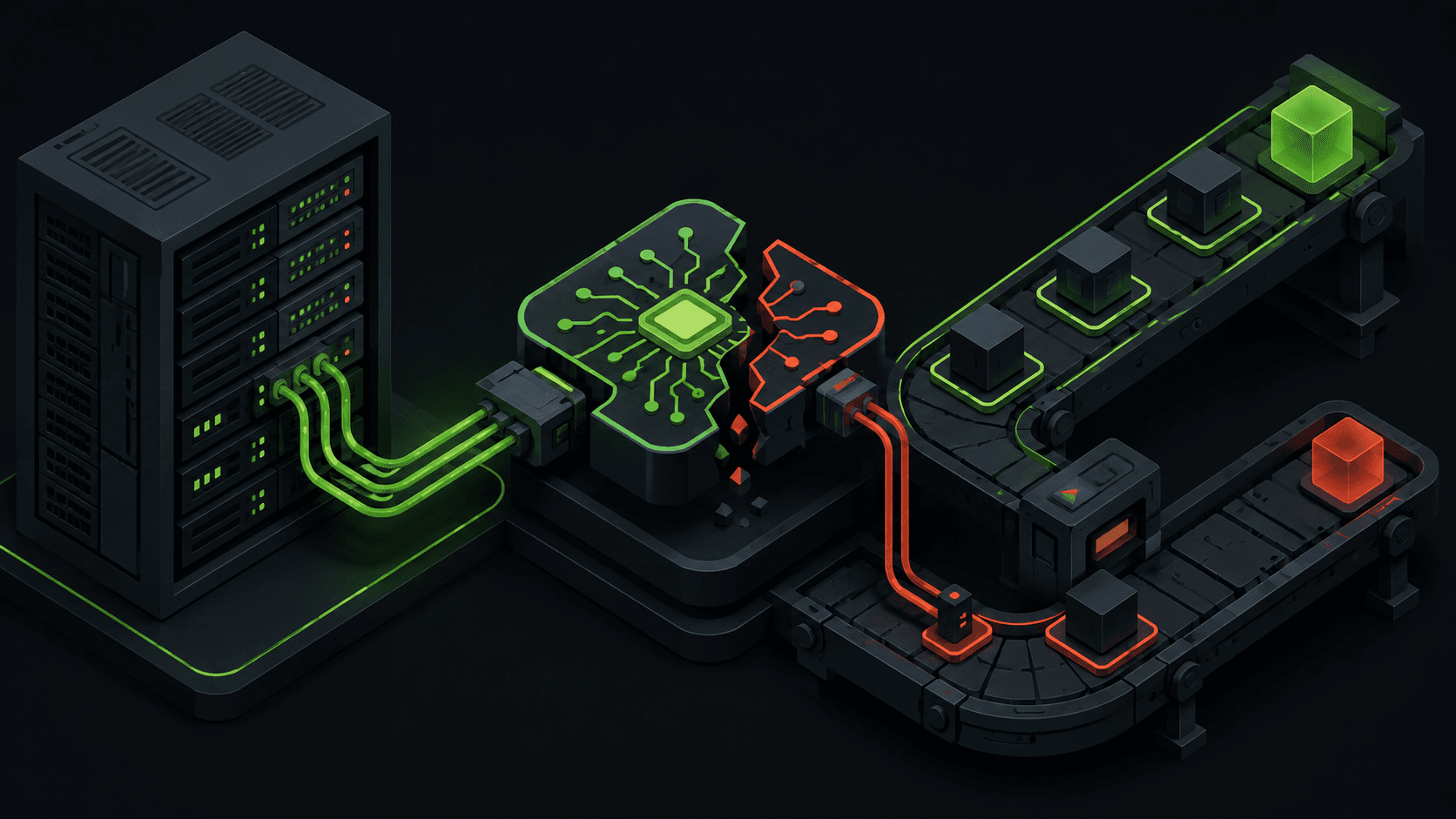
User Request ──> LLM ──> JSON (Function + Args) ──[Security Guardrails]──> Execute Tool ──> Return Results
Without guardrails, this flow is highly vulnerable. For example, if you provide the agent with a deleteDatabaseRecord(id) tool, a malicious user could prompt the agent to delete all records. To prevent this, we introduce validation filters, user-in-the-loop approvals for critical actions, and execution boundaries.
2. Technical Implementation: Tool Definitions & Argument Validation
When defining tools for models like Google Gemini, we provide a JSON schema describing the expected parameters. On the server side, we intercept the model's tool call, validate the parameters, track the session cost, and execute the function securely.
Below is a production Next.js API endpoint illustrating secure tool calling orchestration, budget checking, and argument validation:
// src/app/api/agents/executor/route.ts
import { NextRequest, NextResponse } from 'next/server';
import { z } from 'zod';

// Define strict validation schemas for agent tools
const SendEmailSchema = z.object({
  recipient: z.string().email('Invalid recipient email format'),
  subject: z.string().min(3).max(100),
  body: z.string().min(10).max(2000),
});

// Mock session budget store
const SESSION_COSTS = new Map<string, number>();
const SESSION_COST_LIMIT = 0.50; // Max $0.50 per chat session to prevent cost runaway

export async function POST(req: NextRequest) {
  try {
    const { sessionId, toolCall } = await req.json();

    if (!sessionId || !toolCall) {
      return NextResponse.json({ error: 'Missing parameters' }, { status: 400 });
    }

    // 1. Enforce Cost Guardrails
    const currentCost = SESSION_COSTS.get(sessionId) || 0;
    if (currentCost >= SESSION_COST_LIMIT) {
      return NextResponse.json(
        { error: 'Session budget exceeded', details: 'The agent has reached its token cost limit.' },
        { status: 429 }
      );
    }

    const { name, arguments: rawArgs } = toolCall;
    let executionResult;

    // 2. Route and Validate Tools
    switch (name) {
      case 'sendEmail': {
        // Validate arguments using Zod schema
        const parsedArgs = SendEmailSchema.safeParse(rawArgs);
        if (!parsedArgs.success) {
          return NextResponse.json(
            { error: 'Invalid tool arguments', details: parsedArgs.error.flatten() },
            { status: 400 }
          );
        }

        // Execute action securely
        executionResult = await secureSendEmail(parsedArgs.data);
        break;
      }
      default:
        return NextResponse.json({ error: `Unknown tool reference: ${name}` }, { status: 400 });
    }

    // 3. Track API Token Call Cost (Accumulate cost in session store)
    // Assume each tool execution adds $0.02 of LLM API costs
    SESSION_COSTS.set(sessionId, currentCost + 0.02);

    return NextResponse.json({
      success: true,
      result: executionResult,
      sessionRemainingBudget: (SESSION_COST_LIMIT - (currentCost + 0.02)).toFixed(2),
    }, { status: 200 });

  } catch (err: any) {
    return NextResponse.json({ error: 'Agent execution failed', message: err.message }, { status: 500 });
  }
}

async function secureSendEmail(args: z.infer<typeof SendEmailSchema>) {
  console.log(`[Secure Email Tool] Sending to ${args.recipient}. Subject: ${args.subject}`);
  return { status: 'SENT', id: 'msg_9823171827' };
}
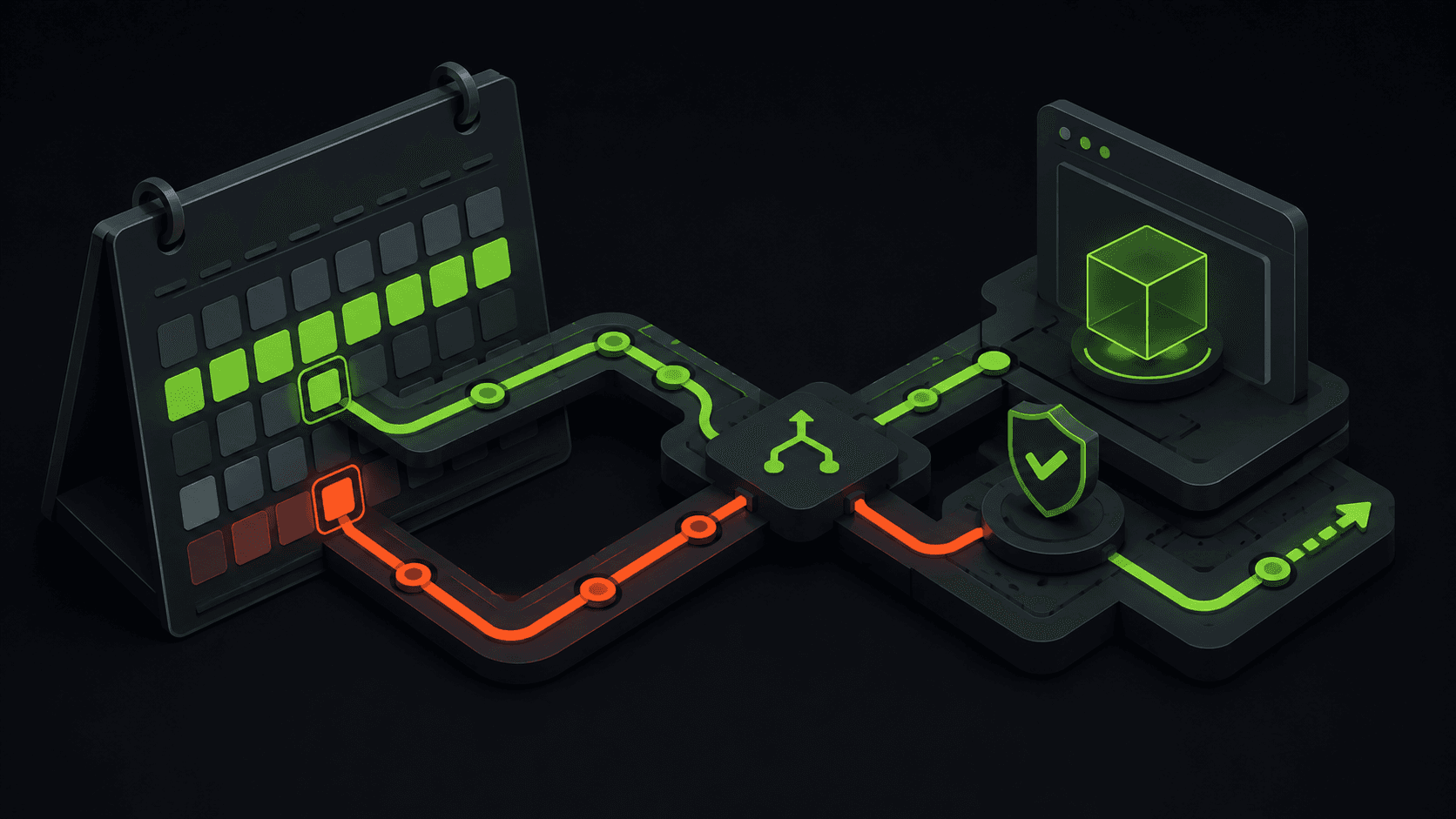
This gatekeeper pattern blocks malformed or unsafe inputs before they hit downstream services, preserving system security.
Frontend Agent Activity Logging Component
To show the agent's reasoning process and active tool executions in real-time, we create a responsive React component. Below is the code for the agent log console:
// src/components/ai/AgentLogConsole.tsx
'use client';

import React, { useState } from 'react';
import { FiPlay, FiAlertTriangle, FiCheckCircle, FiActivity } from 'react-icons/fi';

interface AgentStep {
  timestamp: string;
  type: 'REASONING' | 'TOOL_CALL' | 'TOOL_RESULT' | 'ERROR';
  message: string;
}

export default function AgentLogConsole() {
  const [logs, setLogs] = useState<AgentStep[]>([
    { timestamp: '14:32:01', type: 'REASONING', message: 'Analyzing customer request: "Send an email update to [email protected]"' },
    { timestamp: '14:32:02', type: 'TOOL_CALL', message: 'Calling tool "sendEmail" with arguments: { recipient: "[email protected]", subject: "Update" }' },
    { timestamp: '14:32:03', type: 'TOOL_RESULT', message: 'Tool "sendEmail" returned: { status: "SENT", id: "msg_982317" }' },
    { timestamp: '14:32:04', type: 'REASONING', message: 'Confirming message delivery success status to the client.' }
  ]);

  const addSimulatedError = () => {
    setLogs(prev => [
      ...prev,
      { timestamp: new Date().toLocaleTimeString(), type: 'ERROR', message: 'Blocked execution loop: detected recursive call pattern.' }
    ]);
  };

  return (
    <div className="w-full rounded-2xl border border-white/5 bg-linear-to-br from-[#333333e3] to-[#333333] p-6 shadow-2xl select-text">
      <div className="flex items-center justify-between border-b border-white/5 pb-4 mb-4 select-none">
        <h4 className="text-base font-semibold text-White flex items-center gap-2">
          <FiActivity className="w-4 h-4 text-DarkGreen animate-pulse" />
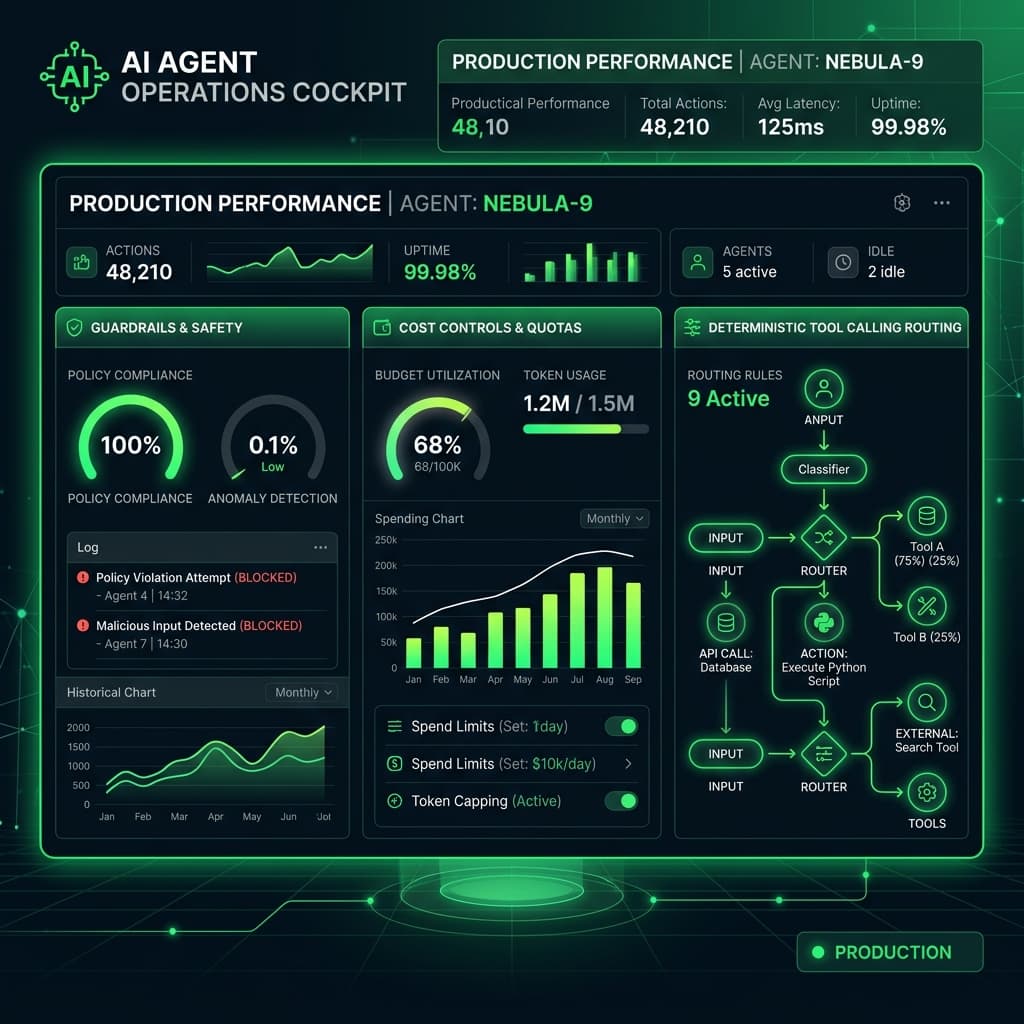
          <span>AI Agent Operations Cockpit</span>
        </h4>
        <button
          onClick={addSimulatedError}
          className="text-xs font-semibold px-3 py-1.5 rounded-lg border border-red-500/30 text-red-400 hover:bg-red-500/10 transition-colors cursor-pointer"
        >
          Simulate Error
        </button>
      </div>

      <div className="flex flex-col gap-3 font-mono text-xs max-h-72 overflow-y-auto pr-2 scrollbar-none">
        {logs.map((log, idx) => {
          let icon = <FiPlay className="text-liGht w-3.5 h-3.5 mt-0.5" />;
          let textColor = 'text-liGht';

          if (log.type === 'TOOL_CALL') {
            icon = <FiActivity className="text-primary w-3.5 h-3.5 mt-0.5" />;
            textColor = 'text-White';
          } else if (log.type === 'TOOL_RESULT') {
            icon = <FiCheckCircle className="text-DarkGreen w-3.5 h-3.5 mt-0.5" />;
            textColor = 'text-DarkGreen';
          } else if (log.type === 'ERROR') {
            icon = <FiAlertTriangle className="text-red-400 w-3.5 h-3.5 mt-0.5 animate-bounce" />;
            textColor = 'text-red-400';
          }

          return (
            <div key={idx} className="flex items-start gap-3 py-1 border-b border-white/2">
              <span className="text-white/40 select-none">{log.timestamp}</span>
              <div className="flex gap-2">
                {icon}
                <span className={textColor}>{log.message}</span>
              </div>
            </div>
          );
        })}
      </div>
    </div>
  );
}
3. Structural Comparison: Agent Guardrails Comparison
Let's review the difference between ungoverned agent execution and a secure, deterministic agent architecture:
| Security Domain | Ungoverned AI Agent | Deterministic AI Agent (with Guardrails) |
|---|---|---|
| Argument Validation | Directly executes LLM JSON payloads | Zod validates parameters before hitting endpoints |
| API Rate Limits | Infinite calls (Risk of cost blowout) | Strict request-per-minute and token budgets per session |
| Execution Environment | Local system shell (Highly Vulnerable) | Isolated virtual environments and container sandboxes |
| State Logging | Print console statements | Structured execution dashboard with real-time logs |
| Database Access | Unlimited read/write queries | Read-only views, user-in-the-loop validation for mutations |
| Recursive Loop Detection | Hangs/crashes system node threads | Loop detectors abort execution after 5-10 nested turns |
4. Real-World Trade-Offs and Budget Considerations
Enforcing strict guardrails on AI agents increases latency due to double-validation layers (e.g. prompt caching, intermediate validation checks, and loop tracing).
Optimizing Agent Latency
To optimize agent latency, cache tool schemas so they do not need to be parsed on every call, use light routing models (like gemini-1.5-flash) for routing decisions, and reserve heavier models (like gemini-1.5-pro) exclusively for complex reasoning tasks. This dual-model approach keeps operational costs low.
5. Contact BhalliSoft to Build Secure AI Agents
At Bhalli Software Solutions, we build secure, high-performance agentic systems. We write deterministic tool-calling frameworks, integrate cost and token quotas, configure Docker execution environments, and build custom operations dashboards.
Are you looking to implement secure AI agents or establish token guardrails for your product?
Book a Free Agentic Strategy Session with BhalliSoft to receive an architecture review, discuss tool definitions, and establish a security plan. Let's build AI safely.